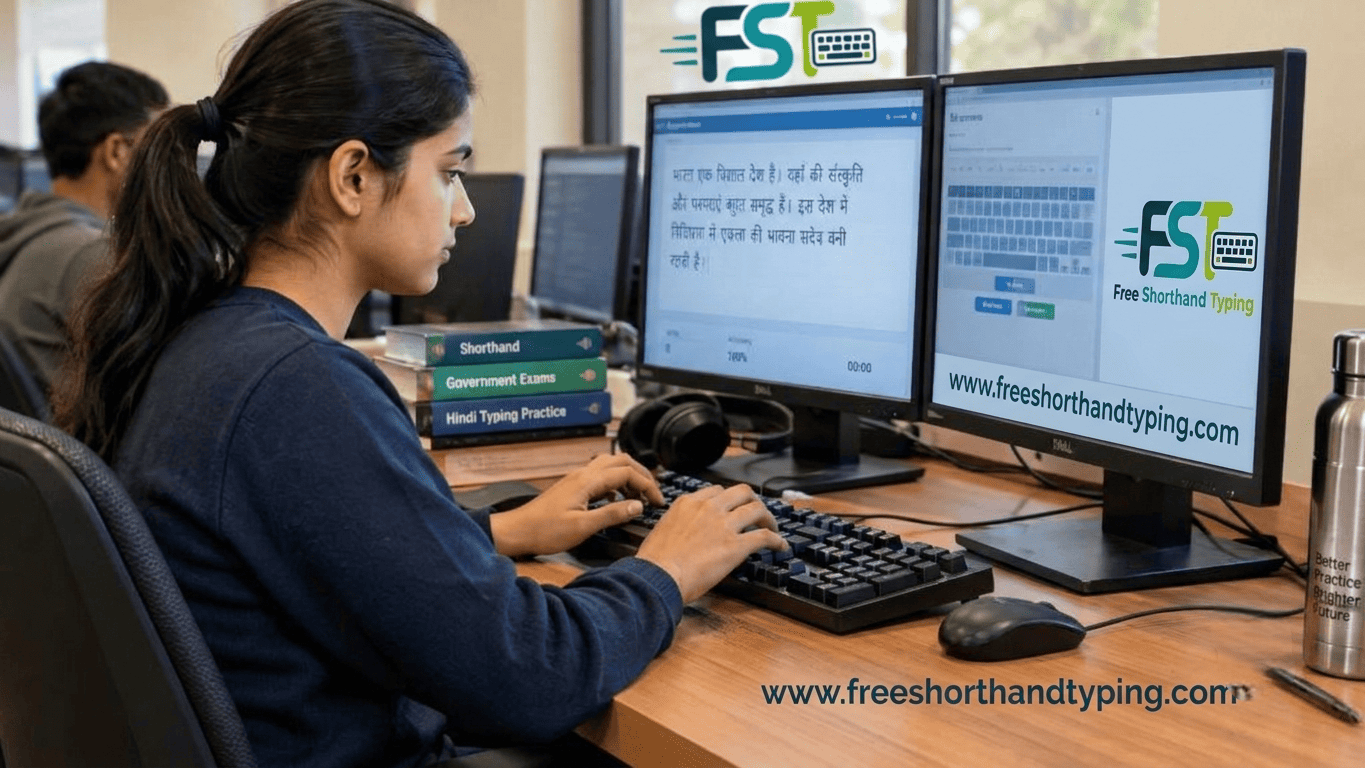
SSC Stenographer 2026 Skill Test: Mangal Font Rules, Typing Practice and Common Mistakes
The Staff Selection Commission (SSC) Stenographer examination is one of the most prestigious competitive exams for government job aspirants across India. While clearing the Computer-Based Test (CBT) is the first major hurdle, the SSC Stenographer skill test is where many candidates stumble due to technical oversight. With the official 2026 examination notices introducing strict addendums regarding font standardization, mastering the right typing system has never been more critical.
At Free Shorthand Typing, we receive countless queries from aspirants striving to balance shorthand dictation speed with flawless keyboard transcription. In this comprehensive guide, we break down the latest official Mangal font regulations for the 2026 exam cycle, highlight key differences between Unicode and legacy typing, outline common pitfalls, and provide an actionable 30-minute daily practice routine to secure your selection.
1. Introduction: Why Font Selection and Typing Accuracy Matter
Stenography is a dual-skill test of listening, shorthand recording, and precise transcription. When you step into the examination hall, your shorthand notes are only as good as your ability to transfer them onto a computer screen accurately. In past examination cycles, font flexibility often caused confusion among evaluation panels and candidates alike.
The introduction of standardized font rules ensures a level playing field, evaluating every candidate on uniform parameters. Whether you are aiming for Grade C (100 WPM dictation) or Grade D (80 WPM dictation), your choice of keyboard layout and familiarity with Unicode encoding dictates whether you complete your transcription within the allotted 55-minute (Hindi Grade C) or 65-minute (Hindi Grade D) window.
2. Official Mangal Font Instructions for SSC Stenographer 2026
According to the official SSC Stenographer 2026 examination notices and addendums, the commission has mandated the use of the Mangal Font for all Hindi typing and skill tests. Let's analyze what this means for candidates:
- Mandatory Unicode Standard: The shift to Mangal means the examination evaluation software strictly records Unicode-compliant Devanagari characters.
- Keyboard Layout Choices: Candidates typically have access to standard government-approved layouts such as Inscript or Remington GAIL / CBI, depending on the specific center configuration mentioned in the final admit card instructions.
- Equal Applicability: These rules apply universally to all candidates opting for the Hindi medium in both Grade 'C' and Grade 'D' stenography streams.
💡 Pro Tip: Verify Before You Practice
Always cross-check your exam admit card instructions as soon as they are released. While Mangal font is standard, confirm whether your center utilizes Inscript or Remington GAIL layout so your muscle memory matches the test console.
3. Mangal Unicode vs. Kruti Dev: Understanding the Shift
For years, legacy fonts like Kruti Dev dominated Hindi typing tests in government exams. However, modern digital administration relies entirely on Unicode. Understanding the fundamental structural differences is vital:
| Feature | Mangal (Unicode) | Kruti Dev (Legacy) |
|---|---|---|
| Encoding Type | Universal Unicode (UTF-8 Devanagari) | ANSI / Font-specific ASCII mapping |
| Font Rendering | Characters render based on underlying code points regardless of system fonts. | Relies on specific font files installed on the local machine to display shapes. |
| Official Status | Mandated by SSC for 2026 and major high court exams. | Gradually phased out across central government examinations. |
| Compatibility | Fully compatible with modern web browsers, databases, and digital documents. | Prone to character corruption when copied across platforms. |
Transitioning from Kruti Dev Typing to Mangal Typing requires unlearning old keystroke shortcuts for complex characters and adapting to native Unicode character composition.
4. Common Hindi Typing Mistakes to Avoid
During high-pressure Typing Tests, minor errors compound quickly and destroy your overall Typing Accuracy. Watch out for these frequent mistakes:
- Incorrect Half-Letter (Halant) Placement: Using incorrect keystroke sequences for conjuncts (e.g., placing halant after the matra instead of between consonants).
- Matra and Vowel Confusion: Mismanaging dependent vowel signs (matras) such as 'ि' (i-matra) which must be typed logically before or after consonant clusters depending on the layout.
- Punctuation and Spacing Errors: Missing double spaces after full stops (Poorna Viram
|) or failing to use proper comma spacing. - Backspace Dependency: Overusing the backspace key on difficult words, which severely drains your Typing Speed and leaves transcripts incomplete.
⚠️ Common Mistake Alert
Many candidates accustomed to Kruti Dev accidentally press legacy alt-codes on Mangal consoles. Remember that Mangal relies on standard Unicode mappings; alt-codes will output incorrect symbols or garbage characters on modern evaluation servers.
5. Daily Practice Routine for SSC Stenographer Skill Test
Consistency is the secret to mastering Government Exam Preparation. Dedicate 30 to 45 minutes daily to a structured practice regimen:
- Warm-up Drills (5 Minutes): Finger flexibility exercises, home-row drills, and basic character combinations on your chosen keyboard layout.
- Accuracy-Focused Passage Practice (15 Minutes): Type formal editorials or official administrative drafts without worrying about speed. Focus entirely on zero backspace errors.
- Timed Simulation Test (15 Minutes): Use our platform for a live Online Typing Practice session mirroring actual SSC timing constraints.
- Error Audit & Review (10 Minutes): Analyze your flagged errors, check misplaced matras or skipped words, and re-type difficult sentences.
6. Enhance Your Preparation with Free Shorthand Typing
To bridge the gap between classroom shorthand study and computer transcription, you need reliable digital tools. At Free Shorthand Typing, we offer tailored resources designed specifically for stenography and typing aspirants:
- Interactive Hindi & English Typing Tests: Simulate real exam conditions with adjustable speeds, live error counters, and official formatting standards.
- Pitman Shorthand Exercises & Dictations: Practice standard audio Shorthand Dictation ranging from 80 WPM (Grade D) to 100 WPM (Grade C).
- Comprehensive Guides: Explore our resource library covering Allahabad High Court Formatting, Alt-code cheat sheets, and advanced speed-building tips.
7. Frequently Asked Questions (FAQ)
Q1: Is Mangal font compulsory for all Hindi candidates in the SSC Stenographer 2026 exam?
Yes. Recent addendums explicitly mandate the use of Mangal Font for all Hindi typing and skill tests in the Stenographer Grade C and D examinations.
Q2: Which keyboard layouts are supported for Mangal typing in SSC exams?
Candidates are typically given options between Inscript and Remington GAIL or CBI layouts. Check your official admit card for the exact configurations available at your allotted center.
Q3: What is the difference between Kruti Dev and Mangal typing?
Kruti Dev is a legacy non-Unicode font that maps visual glyphs to English keys, whereas Mangal is a true Unicode Devanagari font recognized universally across digital operating systems.
Q4: How can I improve my transcription speed during the skill test?
Practice regular read-back drills where you transcribe your shorthand notes directly into a typing console under strict time limits, aiming for a consistent speed of 40–50 WPM.
Q5: Are backspaces enabled during the SSC Stenographer skill test?
Yes, backspaces are generally enabled, but excessive reliance on corrections will eat into your limited transcription time. Aim for high initial accuracy.
Q6: Where can I practice Mangal font typing online for free?
You can use the dedicated modules on Free Shorthand Typing to practice real-world exam passages with precise Unicode evaluation.
Q7: What is the required dictation speed for Grade C and Grade D?
Grade C requires 100 words per minute (WPM), while Grade D requires 80 WPM, dictated for 10 consecutive minutes.
Q8: How are typing errors calculated in the SSC skill test?
Errors include omitted words, substituted characters, extra words, and incorrect spelling or matras. Permissible error thresholds are governed by official SSC evaluation guidelines.
8. Conclusion
Cracking the SSC Stenographer 2026 skill test requires more than just listening to dictation—it demands flawless technical execution on the computer console. By mastering the mandatory Mangal font, eliminating bad habits like excessive backspacing, and engaging in rigorous daily practice, you can turn the typing test from a source of anxiety into your greatest scoring advantage.
Ready to Test Your Speed?
Don't leave your government job selection to chance. Head over to Free Shorthand Typing right now to take our free Mangal font typing test, practice professional shorthand dictations, and benchmark your readiness today!
Start Practicing NowPopular Tags:
- SSC Stenographer 2026
- Mangal Font
- Hindi Typing Test
- Unicode Typing
- Free Shorthand Typing
- Shorthand Dictation
- Typing Practice
- SSC Steno Skill Test
- Inscript Keyboard
- Remington GAIL
- Government Exam Preparation
- Pitman Shorthand
- Typing Accuracy
- Typing Speed
- CPT
- Grade C and D
- Allahabad High Court
- Hindi Steno
- Typing Software
- Exam Notice 2026
- Common Typing Mistakes
- Daily Practice Routine
- Pro Tips
- Steno Aspirants
- Online Typing Test
- Keyboard Layout
- Backspace Rules
- Transcription Practice