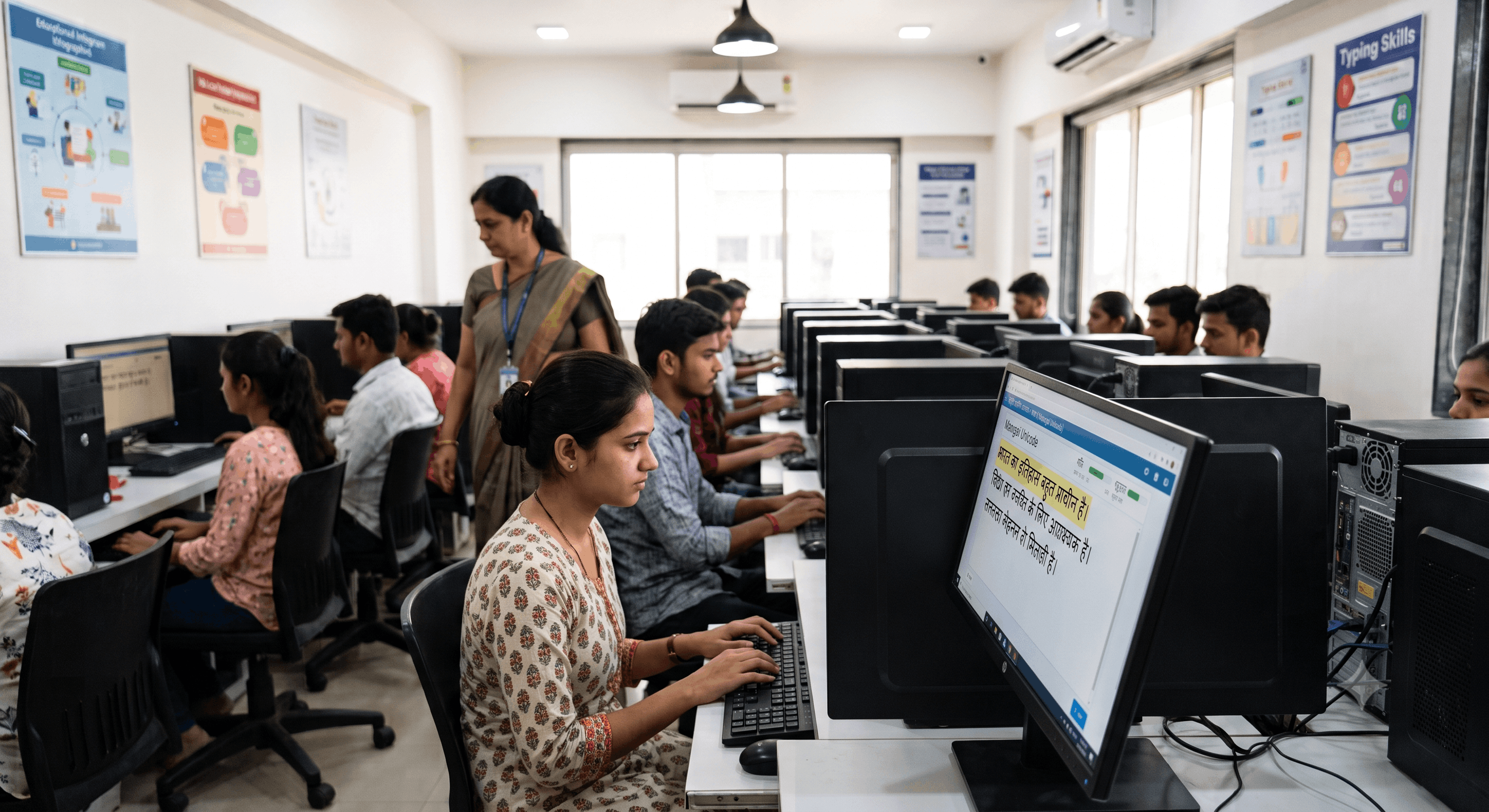
Tackling Complex Hindi Characters: A Complete Guide to Half-Letters and Alt Codes
If you are a government job aspirant preparing for a skill test, you already know that clearing the written exam is only half the battle. The real test of your nerves happens in the typing hall. Whether you are aiming for the SSC Stenographer, preparing for a Court Stenographer position, or practicing Allahabad High Court Formatting, your typing accuracy will determine your final selection.
For candidates taking the English Typing Test, the challenge is mostly about speed. But for those facing the Hindi Typing Test, a unique technical hurdle stands in the way: mastering complex conjuncts, half-letters, and Alt codes. A single misfired Alt code can disrupt your rhythm, lower your typing speed, and severely impact your typing accuracy.
At Free Shorthand Typing, we see thousands of students struggle with character rendering issues across different layouts like Kruti Dev and Mangal. In this comprehensive guide, we will break down exactly how keyboard mappings work, how to troubleshoot frustrating Alt code errors, and how to conquer half-letters once and for all.
Why Mastering Hindi Alt Codes Matters
In government skill tests, accuracy is non-negotiable. Software used for exam evaluations is highly rigid. If the paragraph requires a specific conjunct character and you type two separate characters instead, it will be flagged as an error. Relying on guesswork or avoiding complex words during your online typing practice is a surefire way to fail.
The Benefits of Getting It Right
- Zero Hesitation: When you know your Alt codes by heart, your fingers won't freeze when a complex legal or administrative word appears on the screen.
- Perfect Accuracy: Proper use of half-letters ensures your text perfectly matches the source document, keeping your error percentage well below the allowable limits.
- Confidence Under Pressure: The exam hall environment is stressful. Knowing the technical mechanics of your keyboard layout gives you a psychological edge.
The Architecture: Kruti Dev vs. Mangal Typing
Before we dive into the codes, you must understand the environment you are typing in. Government Exam Preparation requires you to know the difference between legacy fonts and Unicode.
Kruti Dev Typing (Legacy Non-Unicode)
Kruti Dev is an older, ASCII-based font. It essentially "tricks" your computer. When you press an English key, the font displays a Hindi character instead. Because it lacks the vast character space of Unicode, many complex Hindi characters and half-letters must be generated using strict Alt code combinations. If you are practicing for state-level exams, Kruti Dev 010 is often the standard.
Mangal Typing (Unicode)
Mangal is a Unicode font, meaning the computer natively understands the text as Hindi. Whether you use the Remington Gail or Inscript keyboard layout, Mangal handles half-letters dynamically. Instead of relying heavily on Alt codes, you use the 'Halant' (्) to join characters. This is the standard for SSC Stenographer and many central government exams.
The "Half La" Dilemma: Troubleshooting Alt Code Errors
Let's address one of the most frustrating, specific issues candidates face during Kruti Dev typing practice. You memorize an Alt code from a cheat sheet, expecting it to generate a "Half La" (ल्). You hold down the Alt key, type the numbers, and release. But instead of "Half La," your screen displays a "Kra" (क्र) or a "D-dha" (द्ध).
Why does this happen? There are three primary reasons:
- Using the Number Row Instead of the Numpad: This is the most common mistake. Alt codes must be typed using the dedicated numeric keypad on the right side of your keyboard. If you use the number row above the alphabet keys, the operating system intercepts the command, resulting in completely different characters like "D-dha".
- Num Lock is Off: If your Num Lock is disabled, pressing the Numpad keys acts as directional arrows. Holding Alt while pressing these will cause erratic behavior in your typing software.
- Font Version Mismatch: Kruti Dev is a family of fonts. The Alt code mapping for Kruti Dev 010 might slightly differ from Kruti Dev 016 or Devlys. Always ensure your practice environment matches the exact font version specified in your exam notification.
Step-by-Step Guide to Mastering Half-Letters
Step 1: Identify Your Target Layout
Never practice blindly. Check your exam notification. If it says "Mangal with Remington Gail," do not spend time learning Kruti Dev Alt codes. The muscle memory is entirely different.
Step 2: Learn the Halant Method (For Mangal)
If you are using Mangal, the Halant is your best friend. To create a half-letter, you type the full letter, followed immediately by the Halant, followed by the next letter. The system will automatically combine them.
Step 3: Memorize the Core Kruti Dev Alt Codes
If your exam requires Kruti Dev, create a cheat sheet of the 10 to 15 most common complex characters. Do not try to memorize all 200+ ASCII codes. Focus on the ones that appear frequently in administrative and legal text, especially if you are preparing for court stenographer roles.
Practical Examples: Essential Alt Codes
Here is a quick reference table for some of the most highly tested complex characters in Kruti Dev 010:
| Character | Hindi Symbol | Kruti Dev 010 Alt Code |
|---|---|---|
| Kra | क्र | Alt + 0216 |
| Pra | प्र | Alt + 0231 |
| Tra | त्र | Alt + 0204 |
| D-dha | द्ध | Alt + 0228 |
| Half La | ल् | Alt + 0208 (varies by layout) |
Common Mistakes to Avoid
- Practicing on MS Word exclusively: MS Word autocorrects many mistakes. The exam software will not. You must use a realistic typing test interface for your online typing practice.
- Looking at the keyboard for Alt codes: You must build muscle memory for your Numpad. Looking down breaks your visual lock on the source text, severely dropping your typing speed.
- Ignoring spacing rules: In Allahabad High Court formatting, an extra space before or after a conjunct character can result in a full mistake penalty.
Frequently Asked Questions (FAQ)
1. Which is better for SSC Stenographer, Kruti Dev or Mangal?
SSC currently mandates Mangal Unicode. You are usually given the choice between Inscript and Remington Gail layouts. Mangal is generally considered easier to learn because it relies on logical character joining (Halant) rather than memorizing numerical Alt codes.
2. Why are my Alt codes not working during the typing test?
Make sure your Num Lock is turned on and that you are exclusively using the numeric keypad on the right side of your keyboard, not the number row at the top.
3. How do I type half letters in Mangal font?
In Mangal, you type the full consonant, press the Halant key (usually the 'd' key in Remington Gail), and then type the next consonant. The software will automatically merge them into a half-letter.
4. Does Free Shorthand Typing provide Hindi typing practice?
Yes, Free Shorthand Typing offers comprehensive online typing practice, including specialized environments for Kruti Dev Typing and Mangal Typing, simulating actual exam conditions.
5. What happens if I type a full letter instead of a half-letter in the exam?
Evaluation software is strict. Typing a full letter instead of the required conjunct or half-letter will be counted as a spelling error, negatively impacting your typing accuracy.
6. Are Alt codes different for Remington Gail and Inscript?
Alt codes are primarily a legacy feature of fonts like Kruti Dev. If you are using Mangal with Remington Gail or Inscript, you rarely need Alt codes; the keyboard layout handles complex characters dynamically.
7. How can I improve my Hindi typing speed?
Consistency is key. Combine daily Shorthand Dictation practice with dedicated time on our typing test platform. Focus on accuracy first; speed naturally follows when your muscle memory for complex characters is solid.
8. Is Allahabad High Court formatting different from standard typing?
Yes, Allahabad High Court formatting often includes specific rules regarding indentations, legal phrasing, and punctuation spacing. Practicing in a standard editor won't prepare you; you need a specialized AHC practice tool.
Final Conclusion
Mastering complex Hindi characters and half-letters is the dividing line between amateur typists and professional stenographers. While English typing is straightforward, Hindi typography requires a technical understanding of your tools. Whether you are battling the "Kra" vs "Half La" Alt code glitch in Kruti Dev or learning the Halant logic of Mangal Unicode, the secret to success is targeted, exam-specific practice.
Stop practicing blindly on basic text editors. To clear the SSC Stenographer or High Court skill tests, you need an environment that evaluates you just as ruthlessly as the examiners will.
Ready to perfect your Hindi Typing?
Join thousands of successful candidates. Start your free online typing practice, take a realistic Hindi Typing Test, and master your Shorthand Dictation today with Free Shorthand Typing.
Start Free Practice Now