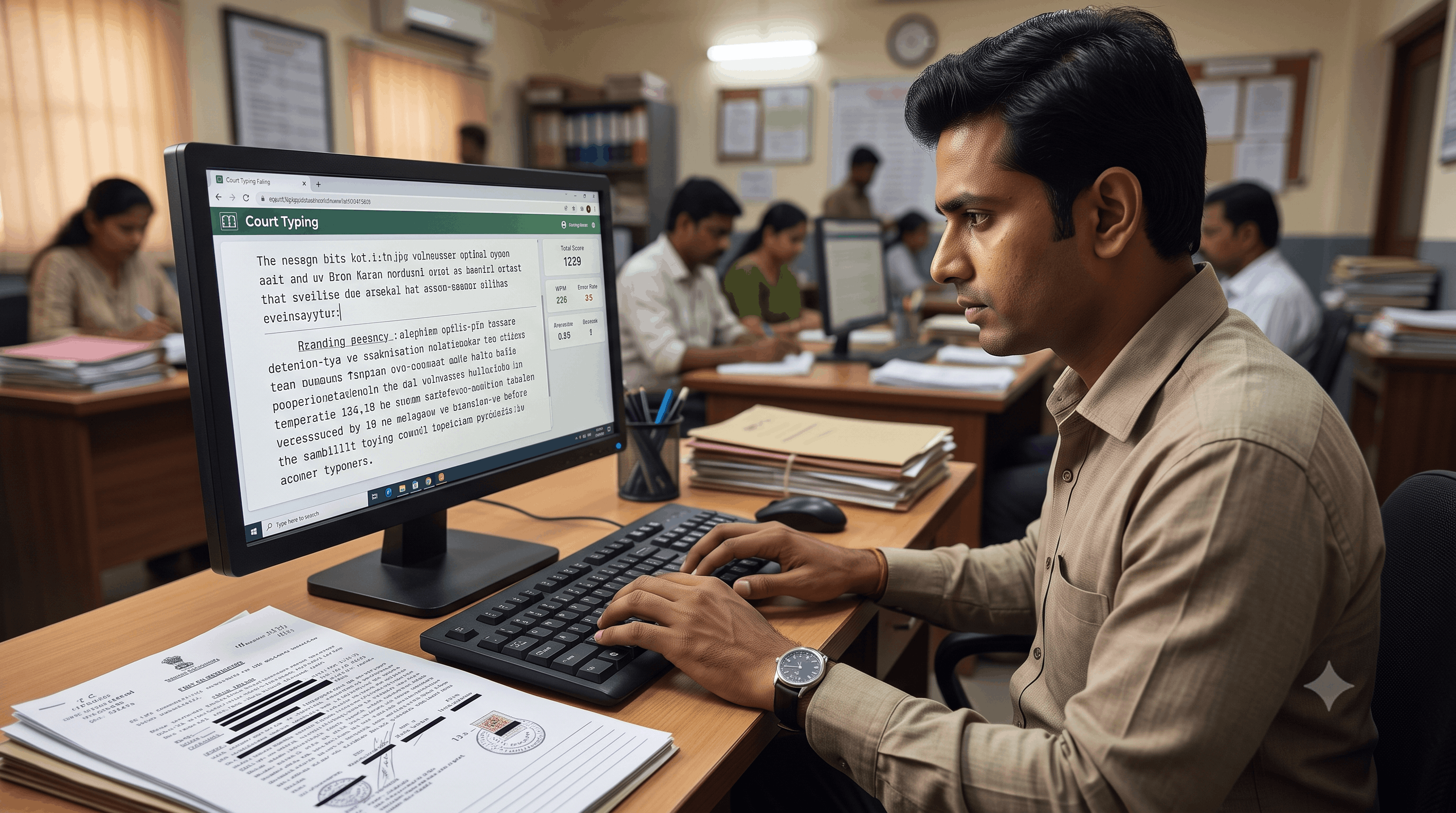
Securing a position as an Additional Private Secretary (APS), Court Stenographer, or Judicial Assistant in prestigious institutions like the Allahabad High Court, District Courts, or State Service Commissions demands far more than raw typing speed. While conventional speed tests evaluate simple words per minute (WPM), judicial skill tests evaluate an entirely different competency: precision legal formatting and specialized courtroom dictation.
In high-stakes court examinations, a candidate typing at 100 WPM can still fail if they misplace an indentation, botch a citation structure, or stumble over complex legal jargon. This comprehensive guide walks you through the core principles of legal shorthand transcription, court-specific typographical layouts, and how to master them using authentic exam simulation on Free Shorthand Typing.
Why Legal Formatting Matters More Than Raw Typing Speed
In judicial administrative roles, a stenographer’s transcript becomes an official public record, decree, or executable judgment. Unlike generic correspondence, legal transcription enforces zero tolerance for ambiguity. Recruitment boards assess candidates on strict parameters where layout, styling, and structural alignment carry significant weight.
-
Structural Integrity: Court judgments follow strict visual hierarchies—from cause titles and party descriptions to operative orders and bench signatures.
-
Legal Lexicon & Alt-Code Accuracy: Transcribing terminology such as mandamus, sub judice, locus standi, or intricate Hindi legal words (अभियोजन, प्रत्यर्थी, क्षमायाचना) requires instant shorthand recognition and flawless keyboard mapping.
-
Zero-Tolerance Error Thresholds: Most court recruitment tests permit an error margin of merely 5%. Even minor layout flaws or character substitution errors can disqualify an otherwise high-speed candidate.
Core Components of Court Judgment Formatting
Transcribing a courtroom dictation accurately requires understanding the conventional visual anatomy of legal paperwork. Here is a breakdown of standard components tested in examinations:
| Section Component | Typical Alignment & Layout | Common Pitfalls |
| Court Header & Jurisdiction | Center-aligned, capitalized, bold/spaced text. | Incorrect casing, missing jurisdictional bench mention. |
| Cause Title & Parties | Left-aligned appellant, right-aligned versus ("Vs."), tabbed respondent block. | Using spacebar instead of exact tab stops; misaligning "Versus". |
| Counsel Appearance Block | Left and right bracketed/tabbed columns. | Mismatched alignment between petitioner and respondent counsels. |
| Judgment Body Paragraphs | Justified text with a standard 0.5-inch paragraph indentation. | Inconsistent paragraph indents and missing paragraph numbering. |
| Quotations & Precedent Citations | Block-indented (0.5 to 1.0 inch from both left and right margins). | Treating block citations as standard body text. |
| Operative Order & Signatures | Right-aligned or bottom-right date and judicial designation lines. | Placing signature stamps on the left margin without proper clearance. |
Mastering Legal Shorthand: Pitman Exercises & Ramdhari Gupta Matter
Speed building for state judicial exams requires moving away from standard literary passages and dedicating daily practice to specialized materials.
1. English Legal Pitman Dictation
English stenography for High Court exams tests your command over judicial phraseography. Intersections, halving principles, and doubling rules should become second nature for recurring legal combinations like "learned counsel for the petitioner", "in the facts and circumstances of the case", and "learned Additional Government Advocate".
2. Hindi Shorthand: Ramdhari Gupta (Khand 1 & Khand 2)
For Hindi stenography aspirants targeting Allahabad High Court and UPSSSC examinations, Ramdhari Gupta (Khand 1 & Khand 2) represents the gold standard. Practicing Khand 1 builds foundational speed up to 80 WPM, while Khand 2 introduces the complex vocabulary, parliamentary debates, and administrative terminology essential for 100 WPM and 120 WPM dictations.
3. Font & Keyboard Layout Nuances: Kruti Dev vs. Mangal
Hindi court typing involves two primary font paradigms:
-
Kruti Dev (Remington Layout): Legacy font widely utilized in legacy court processes, requiring mastery over specialized Alt codes for half-characters and conjuncts.
-
Mangal (Inscript / Remington Gail): Unicode standard mandated across modern government examinations, requiring precise phonetic key combinations.
Step-by-Step Guide: How to Transcribe Court Judgments Accurately
-
Active Listening During Shorthand Dictation: Capture phrases as complete semantic units rather than isolated words. Pay close attention to statutory section numbers (e.g., Section 302 IPC, Article 226).
-
Rapid Outline Review (The 2-Minute Scan): Before typing your transcript, take two minutes to read through your steno notepad. Clarify any doubtful outlines or vocalized vowels while the audio memory is fresh.
-
Set Up Page Margins & Layout Rules: Configure your digital workspace to mirror exam specifications. Ensure tab stops and indentations match the required judgment format before generating bulk text.
-
Execute Transcription with Continuous Rhythm: Maintain steady typing momentum. Avoid staring at individual keystrokes; keep your eyes focused on your shorthand notebook.
-
Proofread Against Common Optical Errors: Check homophones, punctuation, capitalization of court titles ("Court", "Hon'ble", "Bench"), and verify party names against the original dictation.
💡 PRO TIP: Master Tab Stops Instead of Spacebars
Never use consecutive spacebar taps to create paragraph indentations or right-aligned text blocks in court formatting. In automated exam evaluation engines, multiple spaces are flagged as layout errors. Always practice using structured tab spaces and native ruler controls.
Practicing on the Free Shorthand Typing Exam Simulator
To overcome exam anxiety and achieve a flawless transcription score, candidates need a practice environment that mirrors the exact pressure, layout engine, and evaluation algorithms of real examination halls.
Free Shorthand Typing (freeshorthandtyping.com) provides a purpose-built platform engineered specifically for legal stenographers and government exam candidates:
-
Authentic Court Document Backgrounds: Practice directly within a formatted canvas that simulates genuine judicial judgment templates, complete with live tab-stops, indentation boundaries, and case formatting.
-
Real-Time Exam Simulator: Replicate the exact exam-hall environment, featuring strict countdown timers, disabled copy-paste shortcuts, and backspace restriction settings matching actual recruitment tests.
-
Dual-Font Hindi Support: Seamlessly switch between Kruti Dev (with Alt-code accuracy support) and Mangal (Inscript/Remington Gail).
-
Standard 5% Error Analysis Algorithm: Receive immediate, objective evaluation breakdown applying official marking schemes, full-mistake deductions, and half-mistake counts.
-
Graded Shorthand Audio Dictations: Access high-definition audio files ranging from 60 WPM to 140 WPM, covering Pitman exercises, legal case briefs, and Ramdhari Gupta Khand 1 & 2.
Common Mistakes in Legal Shorthand & Typing Tests
-
Ignoring Punctuation & Capitalization in Case Law: Forgetting to capitalize terms like "High Court", "Article", or "Learned Counsel" causes avoidable penalty points.
-
Misunderstanding Alt Codes in Kruti Dev: Hitting incorrect key sequences for conjuncts (such as 'द्व', 'क्र', 'ह्य') produces corrupted symbols on automated evaluation software.
-
Skipping Indented Citations: Typing legal precedent quotes as regular body text without applying the standard 0.5-inch block indent leads to structural deductions.
-
Practicing Only with Clear Audio: Real exam halls often have ambient echo and minor acoustic variance. Candidates who train solely with pristine headphones struggle when seated in large exam centers.
💡 PRO TIP: Daily 15-Minute Transcription Routine
Divide your daily preparation into two phases: spend 30 minutes on speed building with standard text, and dedicate 30 minutes exclusively to legal judgment transcription with strict layout formatting. Consistent layout practice eliminates hesitation on test day.
Frequently Asked Questions (FAQs)
1. What is the required typing speed for High Court Stenographer exams?
Most High Court exams mandate a shorthand speed of 80 to 100 WPM for general Stenographer Grade-III posts, and up to 100 to 120 WPM for Additional Private Secretary (APS) positions, accompanied by a computer typing transcription speed of 30 to 40 WPM.
2. How are errors calculated in Allahabad High Court typing tests?
Examinations follow standardized mistake criteria where spelling mistakes, omissions, and substitutions count as full errors, while punctuation and formatting errors are treated as half errors. Total errors exceeding 5% typically lead to disqualification.
3. Which font is mandatory for Hindi typing in UP court exams?
Allahabad High Court generally conducts computer tests using Mangal (Inscript or Remington Gail), while select court and departmental skill tests also accept Kruti Dev 010. Free Shorthand Typing supports both layouts.
4. Why is Ramdhari Gupta recommended for Hindi shorthand preparation?
Ramdhari Gupta Khand 1 and Khand 2 offer the most accurate representation of the administrative, legal, and parliamentary vocabulary encountered in state recruitment examinations.
5. Can I practice legal document formatting on mobile devices?
While audio dictations can be played on mobile, legal formatting and typing tests should always be practiced on a desktop or laptop with a physical keyboard to develop authentic tactile memory.
6. What is the difference between general typing and legal typing?
General typing focuses solely on speed and straight-prose accuracy, whereas legal typing requires strict adherence to margins, block-indented citations, case titles, alignment rules, and judicial terminology.
7. How does the Free Shorthand Typing simulator help with exam anxiety?
The simulator recreates the actual examination interface, complete with timer pressures, no backspace mode (if applicable), and strict automated evaluation, preparing candidates psychologically for test-center conditions.
8. How can I improve my shorthand speed from 80 WPM to 100 WPM?
Focus on mastering legal phraseography, reducing the physical size of your outlines, practicing frequent short bursts (1-minute takes at 110 WPM), and reviewing your notes before full transcription.
Final Conclusion
Cracking a judicial stenography examination requires a balance of acoustic precision, swift shorthand outlining, and disciplined document formatting. Speed gets you through the dictation, but structural accuracy secures your selection in the final merit list.
Equip yourself with the best practice tools. Take advantage of structured Pitman exercises, master Ramdhari Gupta Khand 1 & 2, and experience real examination conditions on our dedicated court typing layout simulator.
Ready to Clear Your Court Stenography Skill Test?
Practice live legal shorthand dictations, master AHC judgment formatting, and test your speed in our real-time exam simulator today.
Popular Tags:
- Shorthand Dictation
- Legal Formatting
- Allahabad High Court
- SSC Stenographer
- Pitman Shorthand
- Hindi Typing Test
- English Typing Test
- Kruti Dev Typing
- Mangal Typing
- Online Typing Practice
- Ramdhari Gupta
- Court Judgment
- Typing Accuracy
- Typing Speed
- Exam Simulator
- Government Exam Preparation
- Legal Steno
- Stenography Speed Test
- AHC Skill Test
- Typing Software