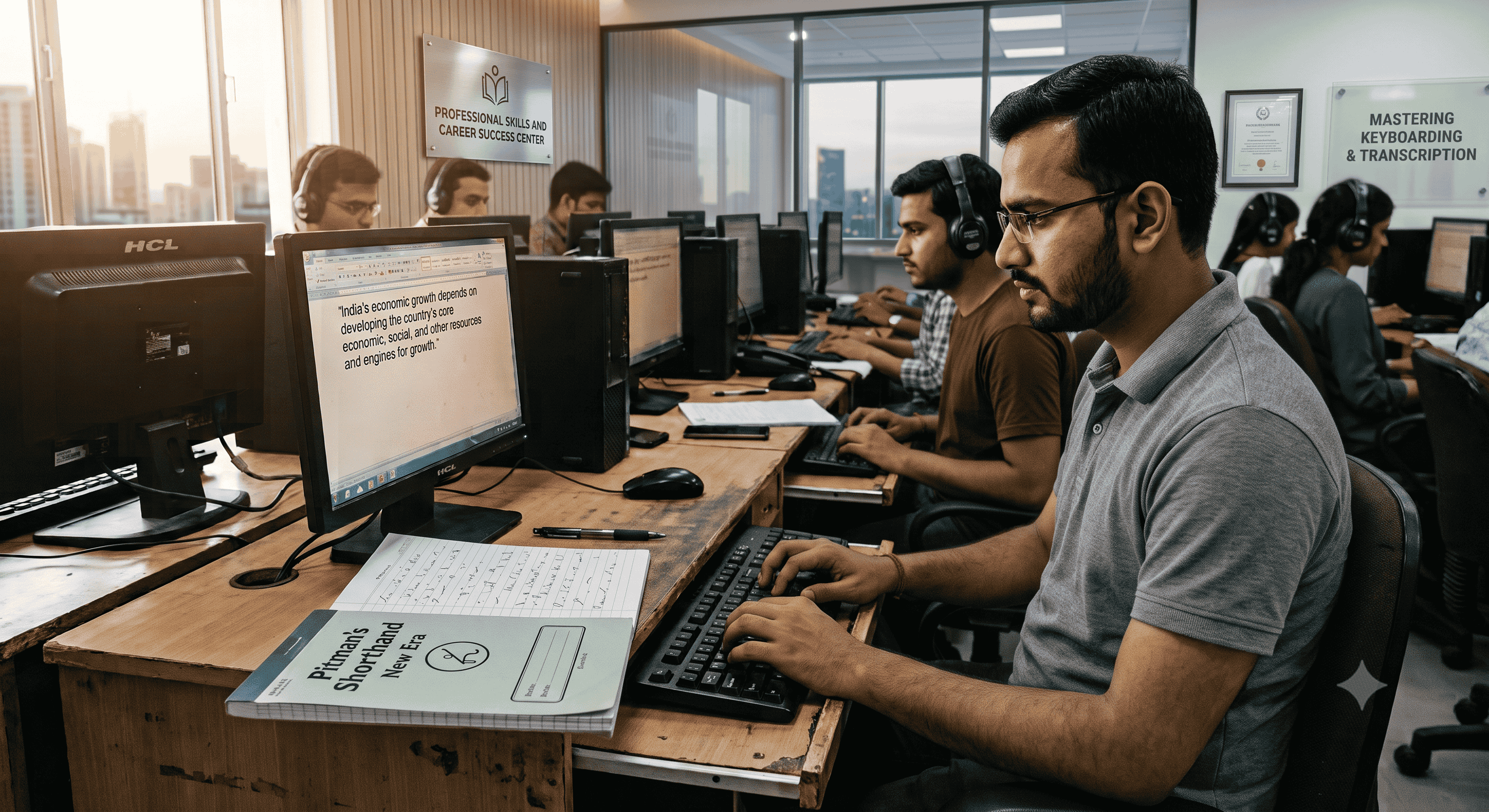
5 Common Transcription Mistakes in the SSC Stenographer Skill Test (And How to Avoid Them)
Introduction
You have spent months mastering Pitman Shorthand. You can take down a fast-paced Shorthand Dictation at 80 or 100 words per minute without breaking a sweat. But when you sit down at the computer to type out those outlines, panic sets in. Words get jumbled, punctuation is forgotten, and your Typing Accuracy drops.
If this sounds familiar, you are not alone. A large number of candidates fail the SSC Stenographer skill test not because they lack shorthand speed, but because they make entirely preventable transcription mistakes. Transcribing is a completely different skill from writing shorthand. It requires a delicate balance of reading memory, context clues, and precise keyboard control.
Whether you are preparing for an English Typing Test or a Hindi Typing Test, knowing how to transcribe effectively is the key to securing your government job. In this article, we will break down the five most common transcription errors candidates make and give you a proven roadmap to avoid them.
Why Transcription Accuracy Matters More Than Shorthand Speed
In competitive exams like the SSC Stenographer Grade C and D, the evaluation software does not read your shorthand notebook. The examiner only sees the final typed output on the screen. You could write the most beautiful Pitman Exercise outlines in the world, but if you type "their" instead of "there," or hit the wrong Alt code during Kruti Dev Typing, you will lose marks.
The SSC skill test penalizes two types of mistakes: full mistakes (like missing a word entirely or substituting it with a different word) and half mistakes (like minor spelling errors or capitalization faults). Accumulating too many of these will instantly push you below the qualifying threshold, regardless of how fast you can write.
The Benefits of Flawless Transcription
Mastering the transcription phase offers several massive advantages for your Government Exam Preparation:
- Reduced Exam Anxiety: When you have a solid transcription strategy, you don't panic when you see a messy outline. You know how to decode it.
- Higher Final Scores: Accurate transcription drastically reduces half-mistakes, ensuring you stay well within the allowed error percentage (usually 5% to 7%).
- Better Time Management: Efficient transcribers finish early, leaving crucial minutes to proofread their work before final submission.
5 Common Transcription Mistakes in the SSC Stenographer Skill Test
1. Typing Instantly Without Scanning the Notes
The moment the dictation ends and the transcription time begins, many candidates immediately put their hands on the keyboard and start typing. This is a fatal error. When you type blindly, you will inevitably hit an outline you cannot instantly decipher. This breaks your Typing Speed, shatters your rhythm, and causes panic.
How to Avoid It: Do not touch the keyboard for the first 2 to 3 minutes. Use this time to quickly scan your shorthand notebook. Read through your outlines while the audio of the dictator's voice is still fresh in your memory. Mentally fill in the blanks. If you see a poorly drawn outline, figure out what it means using the surrounding context *before* the clock pressure gets to you.
2. Misinterpreting Similar Pitman Outlines (Context Blindness)
In Pitman Shorthand, several words share very similar—or even identical—strokes depending on their position. Words like "accept" and "except," or "addition" and "condition" can look identical if written hastily during a fast dictation.
How to Avoid It: Read the entire sentence, not just the single outline. Context is your best friend. If the sentence says, "The government has decided to _____ the proposal," the word is clearly "accept," not "except." Never transcribe an outline in isolation.
3. Struggling with Keyboard Layouts and Special Characters
This mistake primarily affects candidates taking the Hindi Typing Test. Switching between fonts and layouts is a notorious trap. For example, candidates practicing Kruti Dev Typing often memorize incorrect Alt codes, resulting in typing "Kra" or "D-dha" when they actually meant to generate a "Half La." Similarly, those using Mangal Typing might struggle with specific mapping combinations if their practice software wasn't accurate to exam standards.
How to Avoid It: Do not rely on generic word processors. You need Online Typing Practice that exactly mimics the exam interface. Ensure your muscle memory for complex character combinations (like half letters and matras) is flawless. If a character requires a specific Alt code, practice it until it is second nature.
4. Mismanaging the Allocated Transcription Time
For the SSC Stenographer Grade D test, you get 50 minutes for English and 65 minutes for Hindi transcription. Many students pace themselves poorly. They type too cautiously, finishing exactly as the timer hits zero, leaving zero time for a final review.
How to Avoid It: Your goal should be to finish the raw typing with at least 10 minutes to spare. Use this buffer time exclusively to read your screen against your shorthand notes. This is when you will catch missing punctuation, half-spaces, and accidental double words.
5. Practicing Without Automated Evaluation Software
Practicing your transcription on a blank notepad or basic word document gives you a false sense of security. When you manually check your own work against a printed passage, human error takes over. You will subconsciously ignore missing commas, double spaces, and minor spelling errors.
How to Avoid It: Always practice using an automated evaluation ecosystem. Platforms like Free Shorthand Typing feature strict evaluation logic that grades you exactly like the SSC software does. Real-time software grading highlights your exact error rate instantly, training you to catch the subtle mistakes that human eyes miss.
Step-by-Step Guide to Transcribing Like a Pro
Follow this routine during your daily Typing Test practice to build unbreakable habits:
- Take the Dictation: Focus purely on capturing the outlines. Do not worry about formatting yet.
- The 3-Minute Scan: Read through your notes immediately after dictation stops. Decode messy outlines based on context.
- The Continuous Type: Start typing. Do not stop to agonizingly correct a single word for two minutes. If you are stuck, leave a blank space and move forward. Keep your Typing Speed consistent.
- The Context Fill: Go back to the blank spaces. Read the full paragraph on your screen and use logic to fill in the missing words.
- The Final Proofread: Check for capitalization, punctuation, and specific formatting rules, especially if you are preparing for specialized exams requiring Allahabad High Court Formatting.
Shorthand Transcription Comparison Table
Here is a quick look at what amateurs do versus what professionals do during the transcription phase:
| Exam Phase | The Amateur Approach | The Professional Approach |
|---|---|---|
| Start of Transcription | Starts typing immediately. | Spends 3 minutes scanning notes and recalling the dictation. |
| Encountering Hard Words | Stares at the screen for 2 minutes, breaking typing rhythm. | Leaves a blank space, moves on, and uses context clues later. |
| Hindi Keyboard Codes | Guesses Alt codes, generating wrong characters (e.g. wrong Half La). | Relies on strict muscle memory built through accurate Mangal Typing/Kruti Dev practice. |
| Final 10 Minutes | Still struggling to finish the last paragraph. | Finished typing; actively proofreading for spelling and punctuation errors. |
| Daily Practice Method | Types into a blank Word document. | Uses automated evaluation platforms for instant error tracking. |
Frequently Asked Questions (FAQ)
1. How much time is given for SSC Stenographer transcription?
For Grade D, candidates are given 50 minutes for English and 65 minutes for Hindi. For Grade C, it is 40 minutes for English and 55 minutes for Hindi.
2. Are punctuation marks dictated in the SSC skill test?
Usually, only full stops (periods) are explicitly dictated. Commas, question marks, and quotation marks must be placed by the candidate based on grammatical context.
3. Which font is used for the SSC Hindi Typing Test?
SSC generally provides options for both Kruti Dev and Mangal (Inscript/Remington) layouts. You should choose the one you have practiced on the most.
4. Will I lose marks for extra spaces between words?
Yes. Unnecessary double spaces are often counted as half-mistakes by evaluation software.
5. Can I use the backspace key during the SSC Stenographer typing test?
Yes, the backspace key is fully functional and can be used to correct errors during the transcription phase.
6. What happens if I skip a whole line of dictation?
Skipping a line results in full mistakes for every missed word, which can easily push your error percentage beyond the qualifying limit.
7. Is it better to type fast or type accurately?
Accuracy always wins. A steady speed of 35-40 WPM with 98% accuracy will score much higher than 60 WPM with a 15% error rate.
8. How can I improve my Hindi typing Alt codes for Kruti Dev?
The only way is repetitive practice on a strict platform that doesn't accept incorrect mappings. Dedicate 15 minutes daily strictly to practicing complex character words.
9. How do I handle a word I completely misheard?
Type your most logical guess based on the context of the sentence. A grammatically correct guess might still be marked wrong, but it prevents you from leaving a glaring blank space or ruining the sentence structure.
10. Where can I practice transcription with automated grading?
You can use the Typing Test and transcription modules right here on Free Shorthand Typing to get real-time feedback on your accuracy and speed.
Final Conclusion
Passing the SSC Stenographer skill test is about bridging the gap between your shorthand notebook and the computer screen. It is not enough to simply write fast; you must transcribe with total precision. By avoiding the urge to type blindly, relying on context clues, mastering your keyboard layouts, and managing your time effectively, you can conquer the transcription phase.
Remember, practicing on platforms that offer strict automated evaluation is the fastest way to identify and eliminate your unique errors before exam day. Stop practicing in the dark and start practicing with precision.
Call to Action
Ready to put these tips to the test and see your real error rate? Join thousands of successful candidates by starting your daily practice with us. Head over to Free Shorthand Typing now to access our premium Shorthand Dictation audios, realistic Typing Test interfaces, and advanced automated evaluation tools. Sign up for a free trial today and guarantee your success in the next government exam!
Popular Tags:
- SSC Stenographer
- Shorthand Tips
- Transcription Rules
- Pitman Shorthand
- Typing Test
- English Typing
- Hindi Typing
- Kruti Dev
- Mangal Unicode
- Skill Test Preparation
- Government Jobs
- Court Stenographer
- Typing Speed
- Typing Accuracy
- Shorthand Dictation
- Exam Strategy
- Online Practice
- AHC Formatting
- Steno Life
- Typing Mistakes.