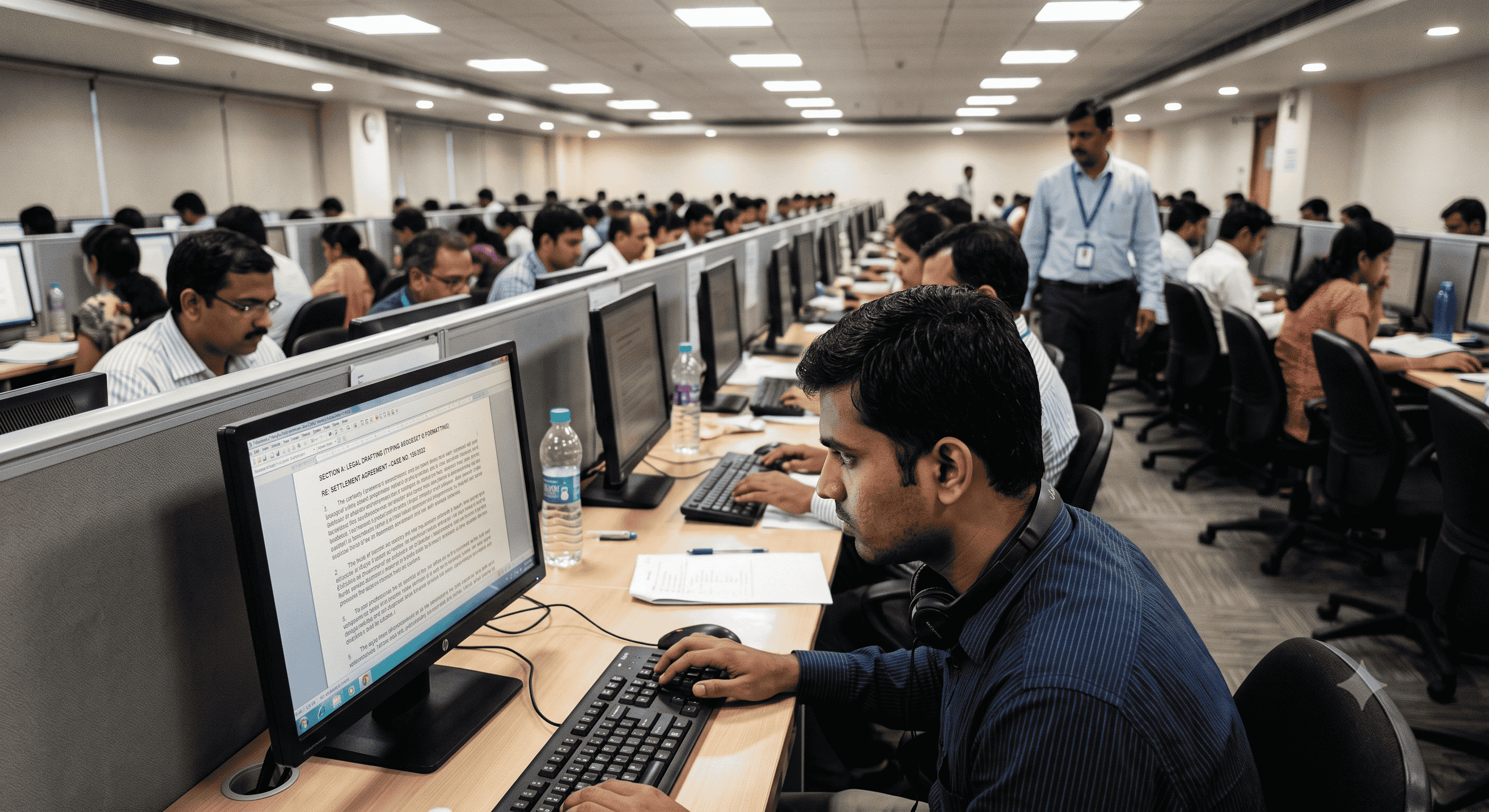
Allahabad High Court Typing Test: Top 10 Formatting Errors That Cost You Marks
When it comes to Government Exam Preparation, few skill tests are as notoriously strict and merciless as the Allahabad High Court (AHC) typing test. Many candidates walk out of the examination hall feeling confident because they typed fast, only to see their names missing from the final merit list. What went wrong? They treated the exam like a standard typing speed challenge, completely ignoring the rigorous formatting rules.
In standard exams like the SSC Stenographer skill test, the primary focus is on how fast you type and whether you spelled the words correctly. However, court typing is an entirely different ball game. Legal documents require absolute uniformity. The AHC evaluation software is programmed to penalize you not just for typos, but for how your text is arranged on the screen. Allahabad High Court Formatting is a specialized skill that requires deliberate practice.
At Free Shorthand Typing, we have analyzed exactly where students lose their hard-earned marks. In this guide, we are breaking down the exact penalty scenarios and the top 10 formatting errors that cost candidates their selection, so you can train smarter and secure your seat.
Why AHC Formatting Matters So Much
Think about the day-to-day job of a Court Stenographer or a typist in the High Court. You are drafting judgments, legal notices, and official orders. A single misplaced decimal, a missing bold heading, or a wrong paragraph indentation changes the legal reading of a document. Therefore, the exam board demands perfection in document recreation, not just raw WPM (Words Per Minute).
The Benefits of Perfecting Your Formatting
- Preservation of Marks: Every formatting error deducts fractional or full marks, rapidly pulling you below the qualifying threshold. Perfect formatting acts as a shield for your score.
- Reduced Panic: When you know the rules regarding tabs, spaces, and alignments, you won't freeze when presented with a complex legal paragraph.
- Real-World Readiness: Mastering these skills means you are actually ready for the job on day one, setting you apart from candidates who only practiced on generic Online Typing Practice platforms.
The Top 10 Formatting Errors That Will Cost You
Let's dive into the exact mistakes you must avoid during your English Typing Test or Hindi Typing Test for the High Court.
1. Incorrect Paragraph Indentation (Tabs vs. Spaces)
The most common trap. When a new paragraph starts slightly to the right, candidates often press the 'Spacebar' five times instead of using the 'Tab' key, or vice versa. The evaluation software expects the exact keystroke used in the source document. If the instruction requires a Tab for indentation and you use spaces, the entire paragraph's alignment is thrown off, leading to a massive penalty.
2. Missed Bolding or Underlining
Legal documents are full of bolded case names and underlined statutes. In the rush to maintain Typing Speed, candidates often type the word correctly but forget to apply the formatting (Ctrl+B or Ctrl+U). The software reads this as a complete error. A correctly spelled word without the required bolding is still a wrong word in AHC.
3. Alignment Mistakes (Left, Center, Justified)
If a heading like "IN THE HIGH COURT OF JUDICATURE AT ALLAHABAD" is centered in the source text, it must be centered using the alignment shortcut or tool provided in the exam interface. Manually pushing it to the center using the spacebar will result in immediate deduction.
4. Double Spacing Between Words
Nervous fingers often hit the spacebar twice between words. While some generic typing software forgives this, AHC software tracks every keystroke. An extra space creates an alignment shift and is logged as a formatting error, negatively impacting your Typing Accuracy.
5. Skipping Line Breaks
When moving from a heading to the body text, or between numbered list items, you must replicate the exact number of 'Enter' (carriage return) keystrokes. Pressing Enter once when the source document has a double line break will misalign your entire document.
6. Punctuation Spacing Errors
A classic mistake in both English and Hindi Typing Test scenarios. The rule is universally strict: there should be NO space before a comma, full stop, or semicolon, and exactly ONE space after it. Typing "judgment , passed" instead of "judgment, passed" will cost you a mark.
7. Incorrect Capitalization (Title Case vs. Sentence Case)
Legal typing often involves strange capitalization. If the source says "The State of Uttar Pradesh", and you type "The state of uttar pradesh", you will lose marks even though the spelling is correct. You must follow the exact case presented in the physical or on-screen copy.
8. Mishandling Numbered and Bulleted Lists
Court orders frequently list points (1, 2, 3...). Candidates often mess up the spacing after the number. If the original text has "1. [Space] The respondent...", typing "1.[No Space]The respondent..." is a formatting violation. Pay close attention to how lists are constructed.
9. Missing Special Characters and Symbols
Legal texts use symbols like § (Section), ©, or specific brackets [ ]. Substituting a square bracket [ with a normal parenthesis ( because you couldn't find the key will be marked as an error. You must be deeply familiar with your keyboard layout, whether you are using standard English, Kruti Dev Typing, or Mangal Typing.
10. Ignoring the Exact Instructions Set
Sometimes the exam provides explicit written instructions at the top (e.g., "Use double line spacing for the whole document"). Candidates who skip reading these instructions and jump straight into typing automatically fail, regardless of their speed.
Practical Examples: How Penalties Apply
Here is how your typing is judged behind the scenes:
| Source Text (Expected) | Candidate Typed | Type of Error | Result |
|---|---|---|---|
| Order Sheet | Order Sheet | Missed Bolding | Counted as Error |
| [Tab] The court finds... | [5 Spaces] The court finds... | Wrong Indentation Method | Heavy Formatting Penalty |
| vs. State of U.P. | vs . State of U.P . | Wrong Punctuation Spacing | Counted as Error |
| (Centered) JUDGMENT | (Left Aligned) JUDGMENT | Alignment Error | Formatting Penalty |
Common Mistakes to Avoid
- Panic-Driven Typing: Trying to hit 50 WPM when only 30 WPM is required, causing you to overlook bold and center tags.
- Not Proofreading: Failing to save 2 minutes at the end of the test to check if your paragraph structures visually match the source document.
- Using the Wrong Practice Tools: Practicing Pitman Exercise or standard typing tests when you specifically need to be practicing AHC formatted documents.
Frequently Asked Questions (FAQ)
1. Is formatting evaluated separately from typing speed in the AHC exam?
While evaluated together, formatting errors carry heavy penalty weights. A highly accurate, fast typist will still fail if their document layout does not match the source.
2. Can I use the mouse to click on Bold or Center alignment?
Usually, the exam interface provides buttons, but using keyboard shortcuts (Ctrl+B, Ctrl+E) saves crucial seconds. Always rely on shortcuts.
3. How do I practice Allahabad High Court Formatting online?
You need a specialized platform. At Free Shorthand Typing, we have a dedicated AHC Formatting practice section that mimics the exact evaluation software used by the court.
4. Does Kruti Dev or Mangal matter for AHC Hindi typing?
Yes, historically AHC has preferred Kruti Dev (often Remington layout), but you must strictly follow the latest notification. If the notification specifies Mangal Inscript, practice only on that. Formatting rules apply equally to both.
5. What happens if I miss a line break?
Missing a line break merges two paragraphs into one. The software will likely flag every subsequent word in that paragraph as out of sequence, severely dropping your score.
6. Should I use the Tab key or Spacebar for paragraph starting indents?
Unless the instructions specifically tell you to use the spacebar (which is rare), always use the Tab key for paragraph indentations.
7. Is Shorthand Dictation part of the AHC typing test?
For the Stenographer posts, yes. You will first take the shorthand dictation, and then you must transcribe it on the computer applying all these formatting rules. For RO/ARO posts, it is a direct screen-to-screen or paper-to-screen typing test.
8. Are backspaces allowed in the High Court exam?
Generally, backspace is allowed, but excessive use drastically reduces your gross typing speed. Focus on typing it right the first time.
9. Does Pitman Shorthand practice help with formatting?
Pitman shorthand helps you capture the words accurately. However, transcribing those outlines into a perfectly formatted legal document on the computer is a separate skill you must practice.
Final Conclusion
The Allahabad High Court typing test is designed to filter out typists who cannot follow instructions to the letter. It is a test of discipline as much as it is a test of speed. Missing a bold tag, adding an extra space before a comma, or using the spacebar instead of a tab might seem like minor details, but in the eyes of the court's evaluation software, they are fatal errors.
Do not let your hard work in the written exam go to waste because of a formatting technicality. Stop practicing on basic software that only checks your WPM. You need to train in an environment that punishes you for formatting errors now, so the exam board doesn't punish you later.
Master AHC Formatting Before Exam Day
Don't leave your selection to chance. Practice on our dedicated AHC interface that evaluates exact indentations, bolding, and alignment just like the real exam.
Try AHC Formatting Practice Now